
-
×
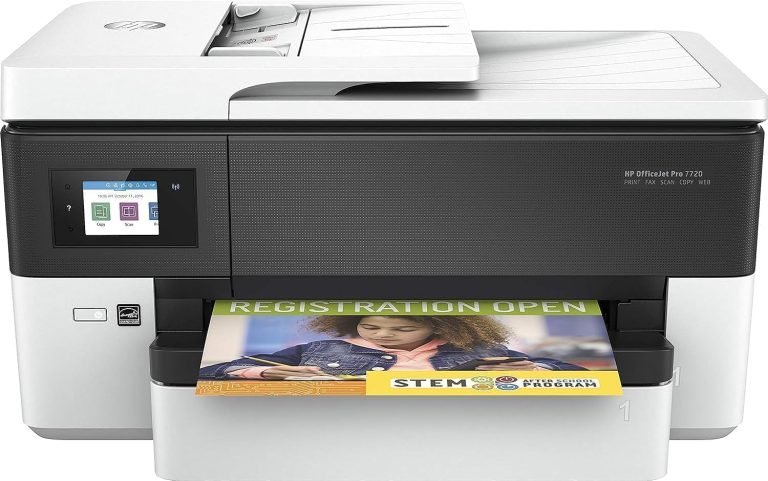
 HP OfficeJet Pro Wide Format 7720 All-in-One Printer Wireless, Print, Scan, Copy, Fax - White [Y0S18A]
1 × AED628.99
HP OfficeJet Pro Wide Format 7720 All-in-One Printer Wireless, Print, Scan, Copy, Fax - White [Y0S18A]
1 × AED628.99
Subtotal: AED628.99






AED197.74 AED247.18
*How to use
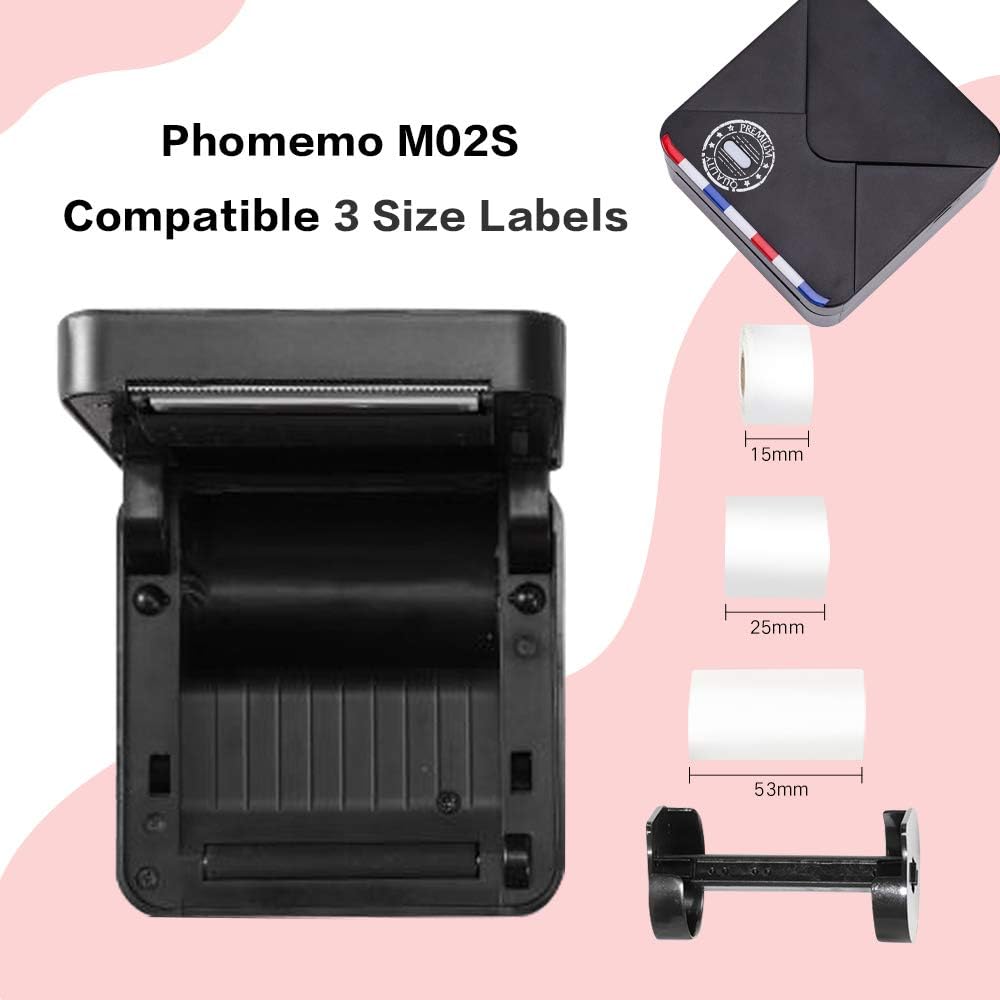
1.First ,when you get the Phomemo printer, please charge the power.
2.Download the APP of Phomemo.
3.Long press the power switch to turn on the printer.
4.Then turn on your phone Bluetooth, choosing what you want to print on the APP.
*Product Specifications
Material: ABS + metal
Printing media: Hot paper
Printing type: Inkless printing
Size: about 86 * 82 * 42 mm / 3.38 * 3.22 * 1.65 inches
Paper capacity specifications: 53 * 30 mm / 2.08 * 1.18 inches
Package weight: 190 g
Battery: 1000mAh lithium battery (built-in), continuous printing 4 rolls of paper
Connection: Bluetooth 4.0
Supported systems: Available for IOS 8.0 or above + Android 4.0 or higher
Resolution: 203 dpi
Network printing: support
Automatic duplex printing: not supported
Print format: 53 mm / 2.08 inches
*Packaging icon:
1- Phomemo compact printer
1 USB data cable
1- Thermal printing paper (inside the printer)
1- User Manual
1- packing box
*Note:
?Before printing, please pull the end of the thermal paper to the paper outlet for normal printing.
? Do not charge or use the printer in high temperature, high humidity and haze conditions (such as bathrooms, stream rooms and next to sparks)
? Do not touch the print head with your fingers at high temperatures.
?Pay attention to sharp blades.
?This printer is a thermal printer,photos are printed in black and white.
Select at least 2 products
to compare



There are no reviews yet.